Case study · Android app
PDFMate.
An Android PDF utility to convert images to PDF, view documents and manage recent files.
- Context
- Studio product, published on Google Play
- Role
- Designed, built and published the app and its backend — from idea to Google Play Console release.
Overview
The goal.
Make common PDF jobs — especially turning photos into PDFs and opening documents — quick to do on an Android phone.
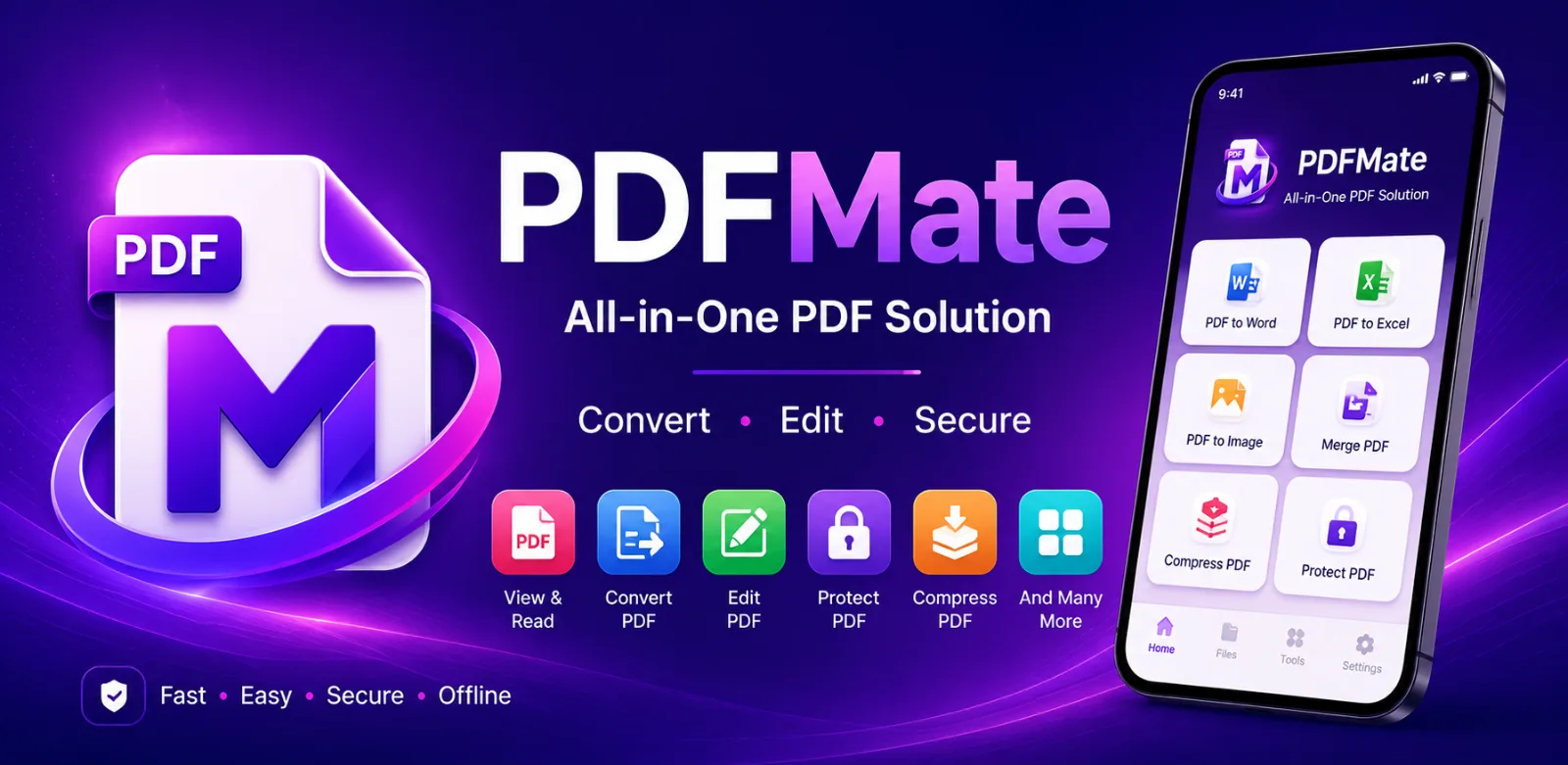
A production Android app for everyday PDF tasks: converting images to PDF, viewing documents, managing recent files and other PDF operations. A React Native front end works with an Express.js backend.
Approach
Design & development.
- 01Split responsibilities between the app and an Express.js API: the React Native client handles the interface, while the server generates PDFs.
- 02Used PDF-lib for server-side PDF generation, Sharp for image processing and Multer for handling uploads.
- 03Included a built-in viewer and a recent-files list so people can return to documents without searching for them.
- 04Created a separate product website to introduce the app.
Key features
Key features
- Convert images to PDF
- Built-in PDF viewer
- Recent files management
- Server-side PDF generation with PDF-lib
- Image processing with Sharp and Multer uploads
- Google AdMob monetisation
Technology
Technology stack
- React Native (Expo)
- Node.js
- Express.js
- PDF-lib
- Sharp
- Multer
- Google AdMob
Related services
Building something
similar?
If PDFMate is close to what you have in mind, let's talk about your version of it.